
In REALM, you can update and manage certain sections of your profile (i.e., birthday, personal URLs, social media links, etc)*.
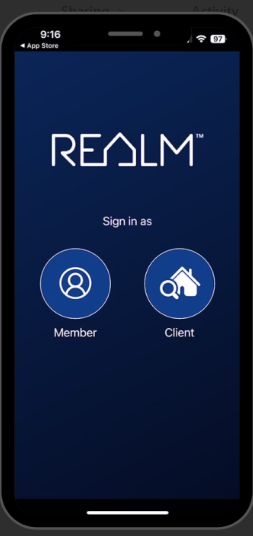 To make changes to your profile on a mobile device using the app:
- Select the Avatar at the top right of the page.
- Select Edit Profile.
- To update your Avatar, select the + icon. A window will open, and choose your image to upload.
- Update your phone number, birthday, URLs, and social media by entering the details in the fields provided.
- To add another phone, URL, or social media, select the + sign to the right of the first entry, and a new field will be added to the page. Enter the details in the new field.
- Select Save at the bottom of the page.
To make changes to your profile on a computer:
- Select the Avatar at the top right of the page.
- Select Edit Profile.
- To update your Avatar, select the + icon. A window will open, and choose your image to upload.
- Update your phone number, birthday, URLs, and social media by entering the details in the fields provided.
- To add another phone, URL, or social media, select the + sign to the right of the first entry, and a new field will be added to the page. Enter the details in the new field.
- Select Save at the bottom of the page.
*Your name, email, address, and company will populate automatically from your Real Estate Board profile and can not be changed in this window. To update or change your name, address, email, mobile phone number, or company, contact your Real Estate Board.**
**Members of TRREB can change their email address or mobile phone number in the Member Hub at PropTX